Training Automation: Assign, Remind and Renew Automatically
Automation
Training automation that handles the follow-up for you
Learnwick automates the routine parts of training: new people get their courses when they join a group, due dates set themselves, reminders go out, the next course is assigned when one is finished, and yearly training renews before it expires.
Free for up to 30 learners · No credit card · Book a demo
Joined Cashiers
3 courses assigned automatically
Due in 14 days
Renews every year
Food Safety Basics
Assigned again before it expires
Next course
Finished Food Safety
→ Allergen Awareness assigned
Every Monday
Weekly summary emailed
Assign by group, automatically
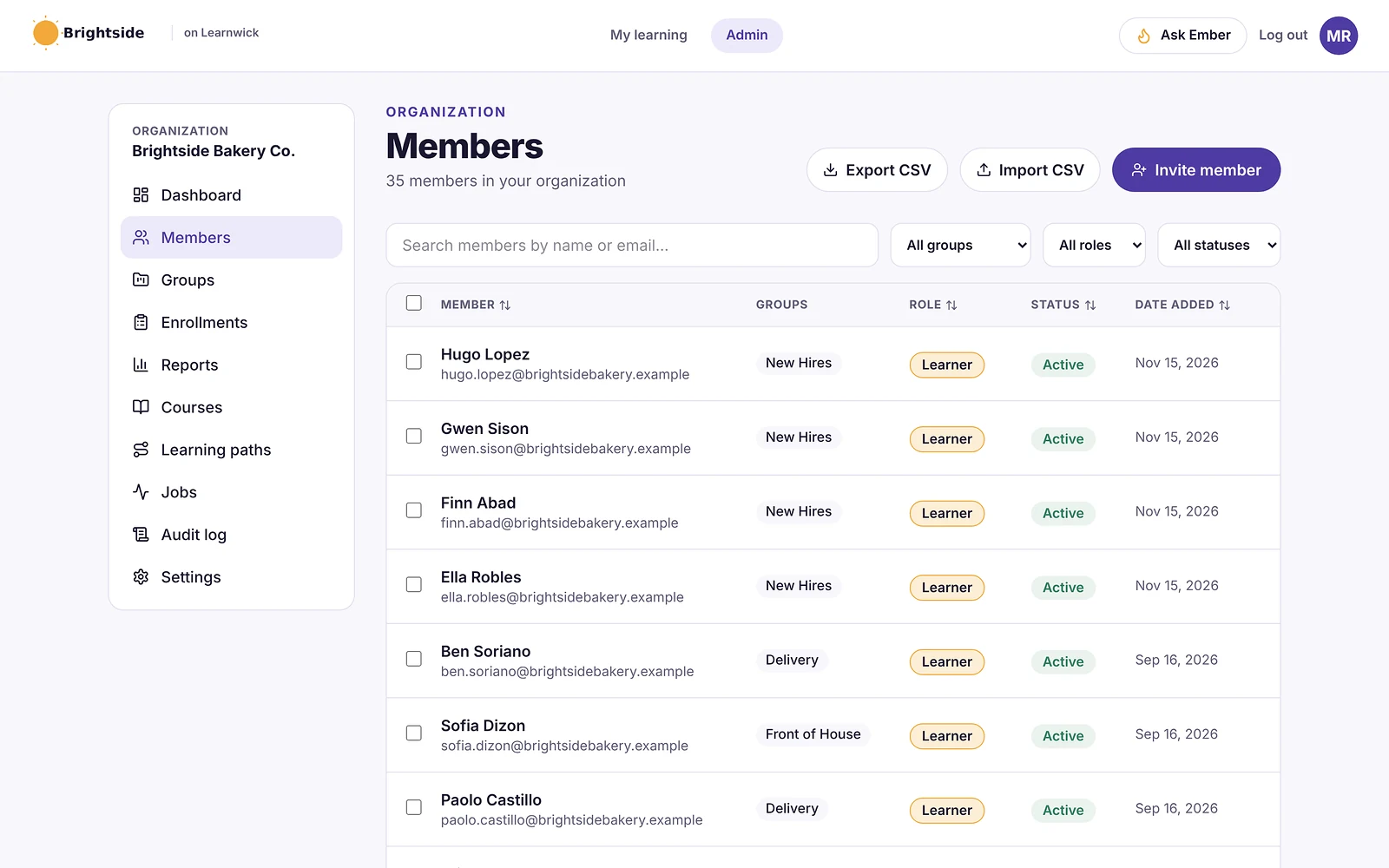
Give a group its required courses and everyone added to the group gets them straight away — including people who join with a sign-up link.
Due dates, reminders and renewals
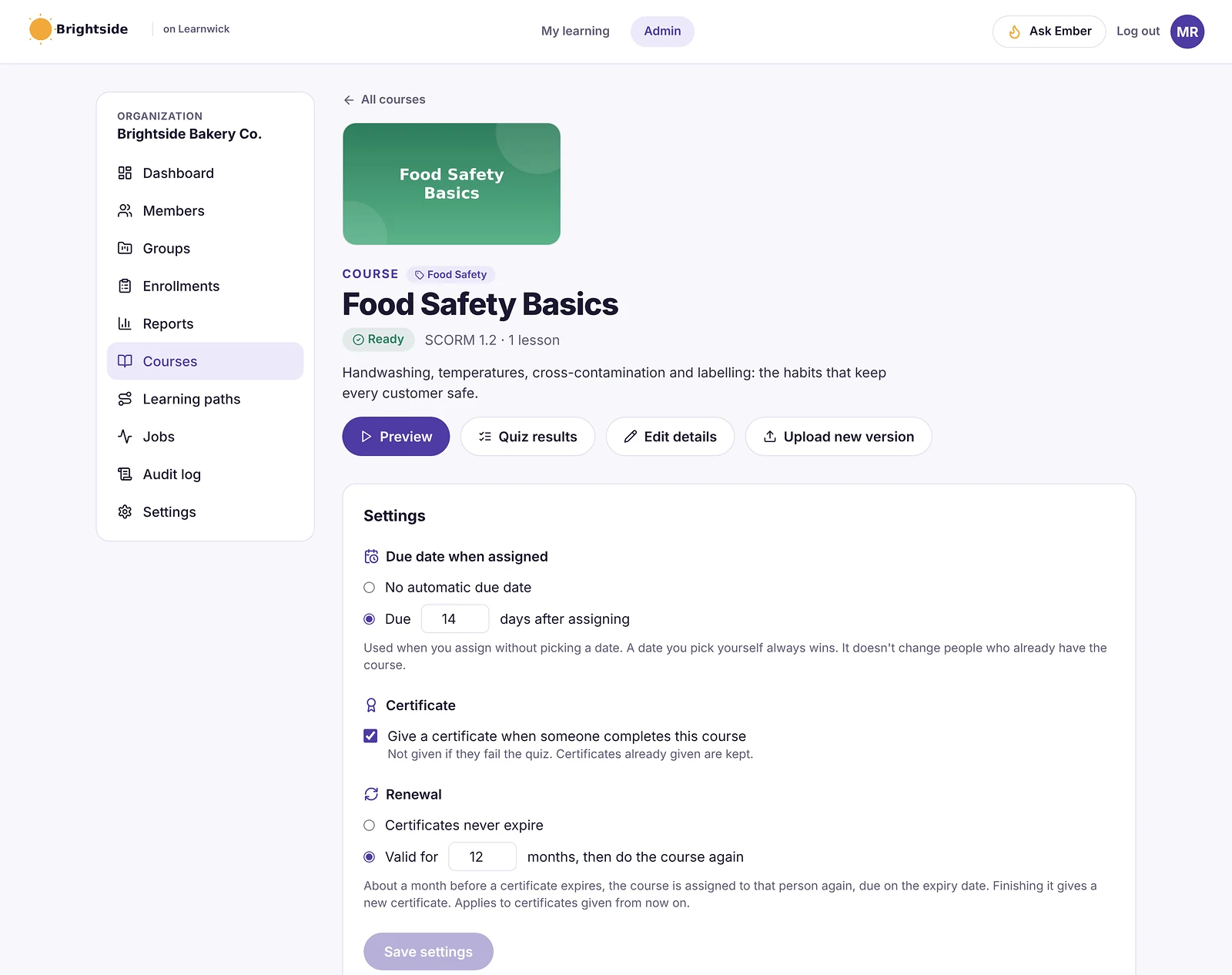
Each course can set its own due date (for example 14 days after assigning) and renew after a number of months. Reminder emails go before and after the due date, and managers get a list of their overdue people.
- Automatic due dates
- Reminders before and after the due date
- Renewal before a certificate expires
- Weekly summary for admins
Next course when one is finished
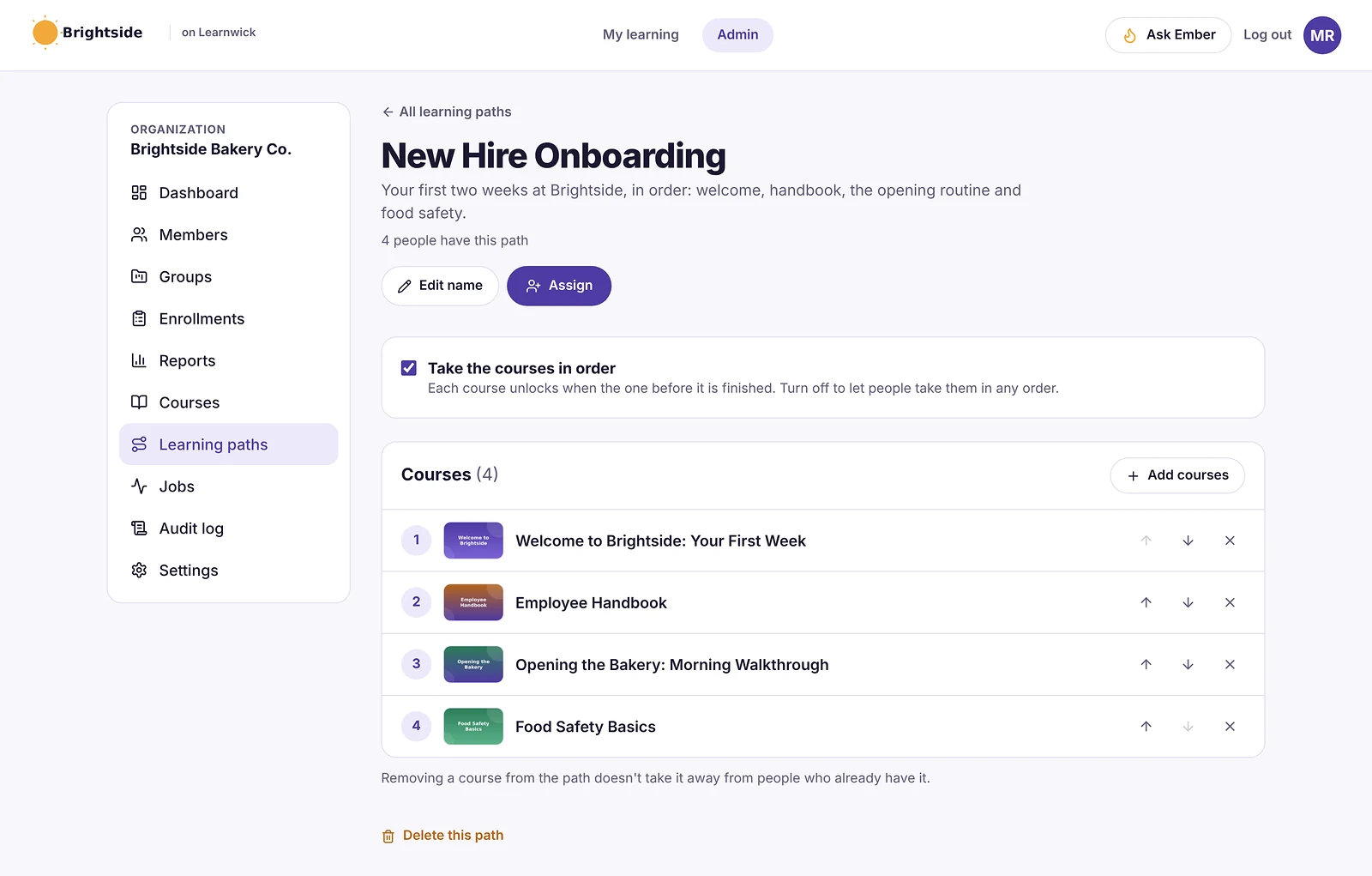
When someone finishes a course, up to 5 next courses can be assigned automatically, each with its own due date.
Scheduled reports from Ember
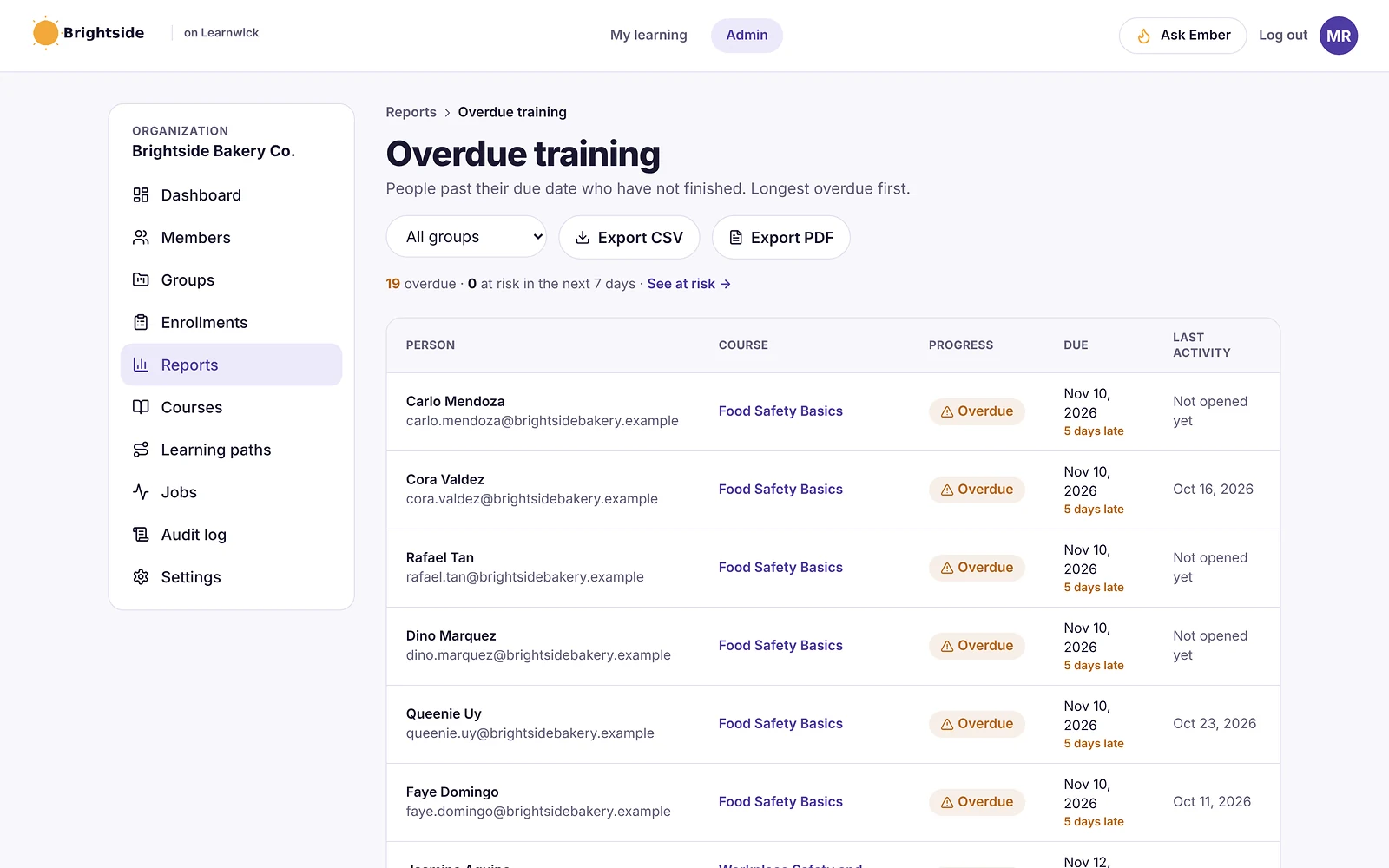
Ask Ember a question once and have the answer emailed every week, such as “who is overdue on safety training?”
How it works
- 1
Set the rules
Group courses, due dates, renewals.
- 2
Add people
They get the right courses.
- 3
Let it run
Reminders and renewals go out on time.
Questions about Training Automation
What is training automation?
Training automation means an LMS handles routine work — assigning courses, setting due dates, sending reminders and renewing training — without an admin doing it by hand each time.
Can automatic emails be switched off?
Yes. Each kind of reminder and summary email can be switched on or off in Settings.
Does automation need a paid plan?
No. Every feature is on every plan, including the free plan.
Keep exploring
Give your team training they’ll actually finish
Free for up to 30 learners. No credit card, no sales call. Every feature on every plan.
Rather see it first? Book a demo