SCORM LMS for Small Business
SCORM, video and PDF courses
A SCORM LMS that small businesses can actually set up
Learnwick is a SCORM LMS for small business: upload the SCORM 1.2 or SCORM 2004 zip from your authoring tool, assign it, and see who finished, who passed and who is overdue. Videos and PDFs work too, so all your training lives in one place.
Free for up to 30 learners · No credit card
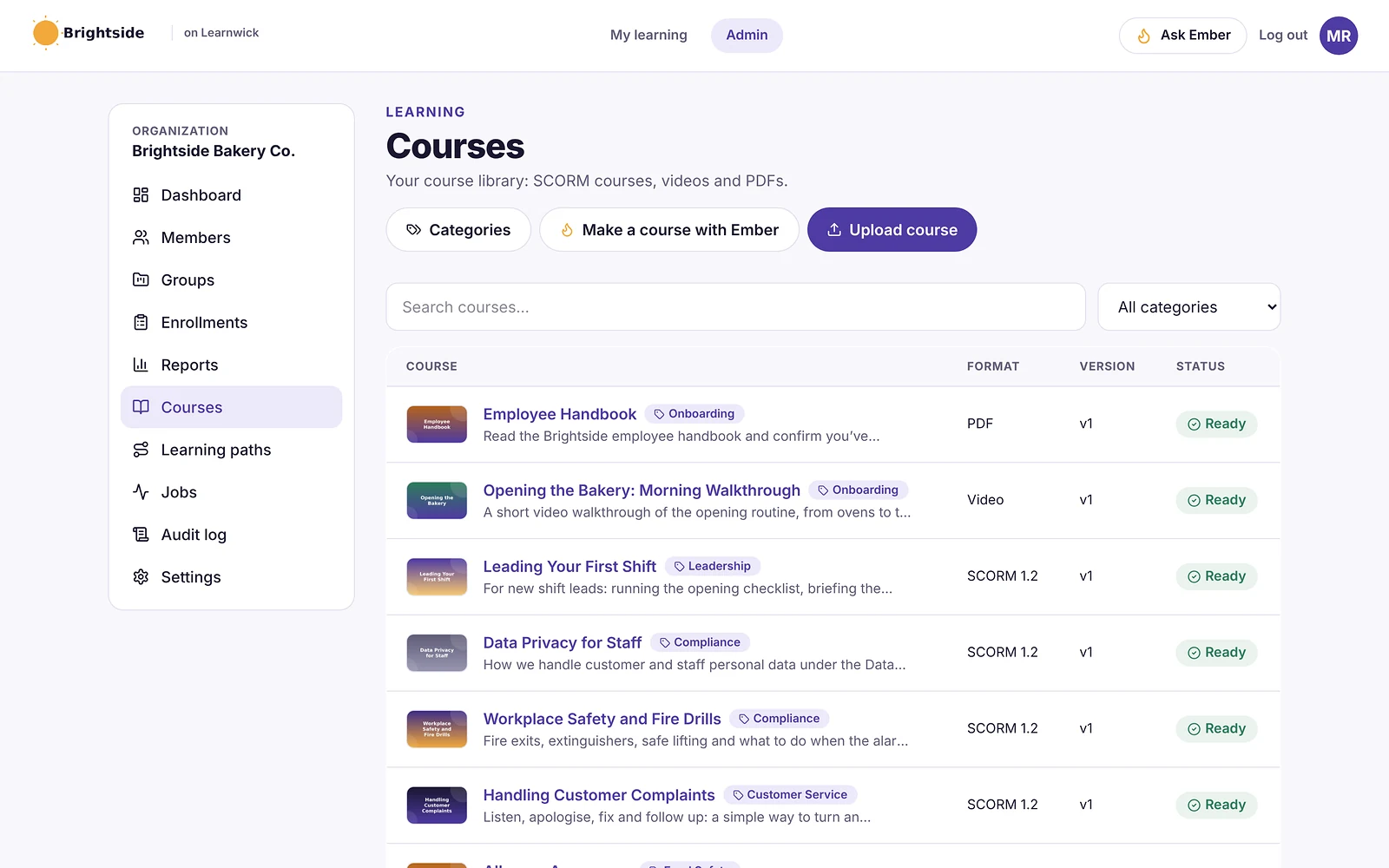
Upload SCORM courses from any authoring tool
Export your course as SCORM 1.2 or single-SCO SCORM 2004 from Articulate Storyline, Rise, iSpring, Adobe Captivate or any other authoring tool, then drag the zip into Learnwick. It checks the package, reads the manifest and has the course ready in moments.
If a zip can’t be used, Learnwick tells you why in plain words — no cryptic error codes.
- SCORM 1.2 and single-SCO SCORM 2004
- Upload a new version without losing anyone’s history
- Categories and course pictures keep the library tidy
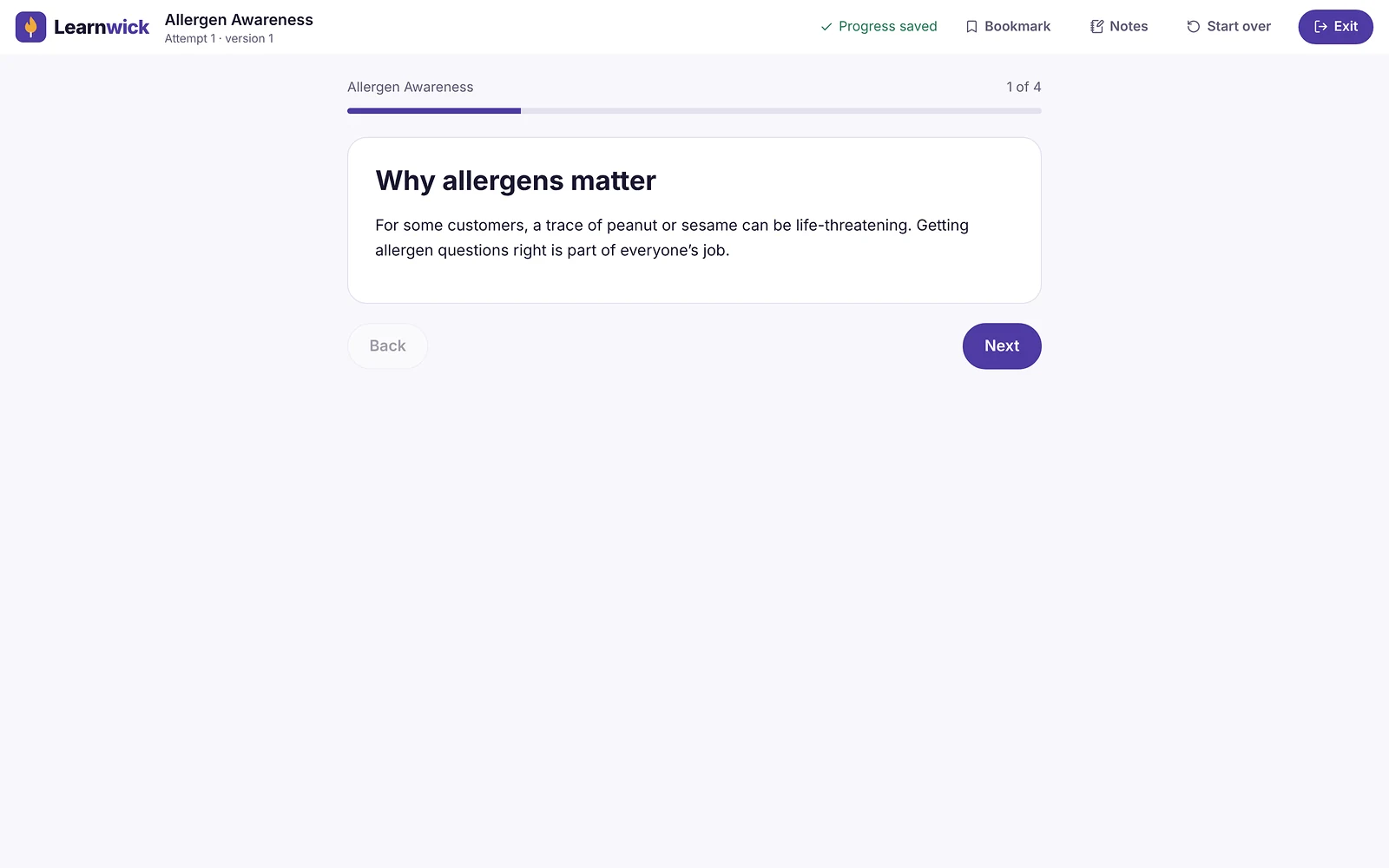
A course player that saves progress as people learn
Learners open a course and pick up exactly where they left off, on a laptop or a phone. Progress, scores and completion are saved from the SCORM course itself, so your reports show what really happened.
Bookmarks and private notes help people come back to the parts that matter for their job.
Video and PDF courses, no authoring tool needed
Not everything needs to be a SCORM course. Upload an MP4 or WebM video and Learnwick counts it as finished once 90% has really been watched. Upload a PDF and learners confirm they’ve finished reading it.
Add a short quiz to any video or PDF course to check understanding before it counts as complete.
- MP4 and WebM videos, PDFs
- Optional quiz with a pass mark
- Same assignments, due dates and certificates as SCORM courses
SCORM tracking you can report on
Every SCORM course feeds the same reports: completion rates, scores, time spent and overdue training. Export any report to CSV or PDF in one click when a manager, client or auditor asks.
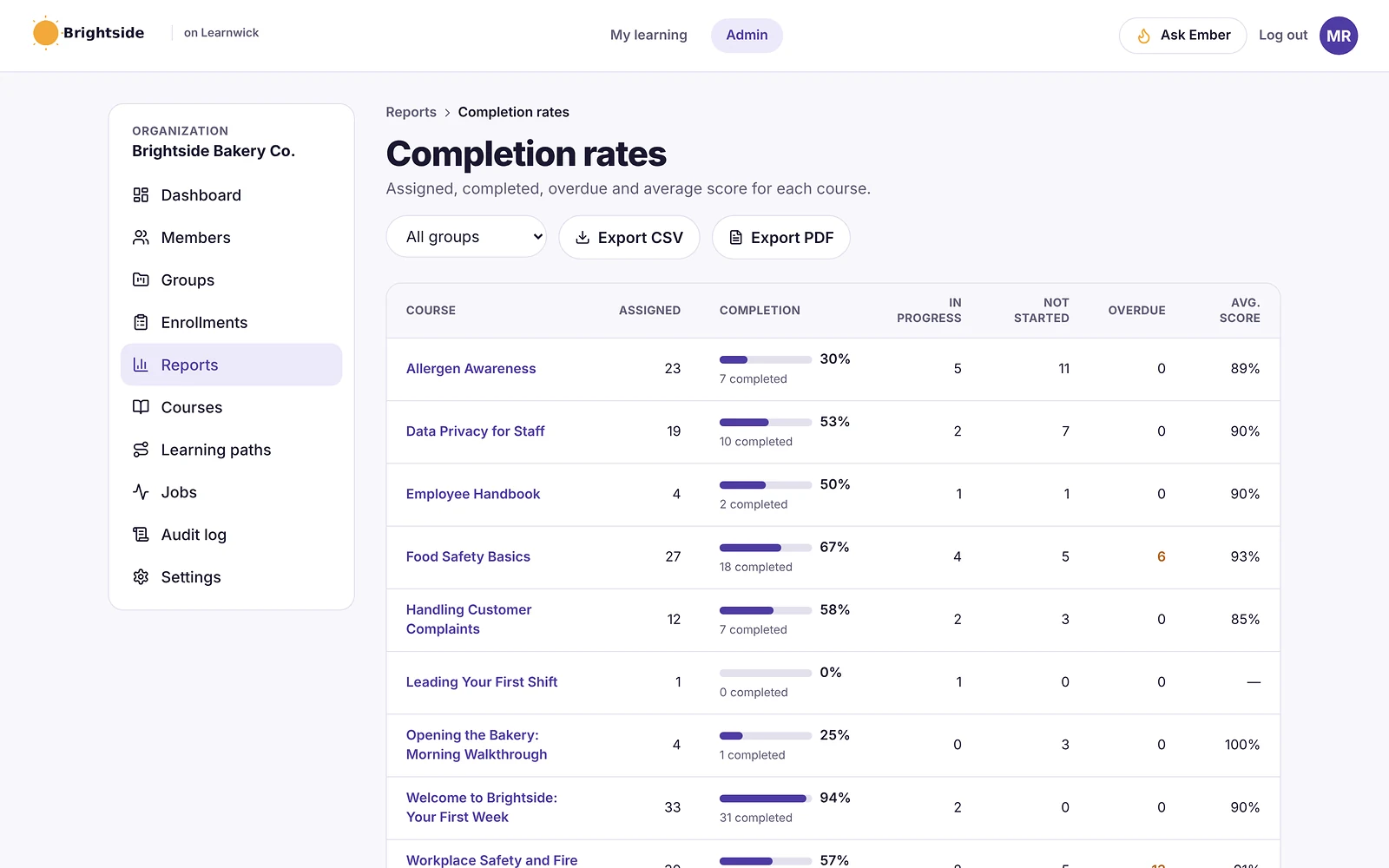
How it works
- 1
Upload the zip
SCORM 1.2 or 2004 from your authoring tool, or a video or PDF.
- 2
Assign it
To people or whole groups, with a due date.
- 3
Track it
Completion, scores and time spent, in every report.
Questions about SCORM LMS
What is a SCORM LMS?
A SCORM LMS is a learning management system that can play SCORM packages — the zip files that authoring tools such as Storyline, Rise and iSpring export — and record each learner’s progress, score and completion from them.
Does Learnwick support SCORM 1.2 and SCORM 2004?
Yes. Learnwick plays SCORM 1.2 and single-SCO SCORM 2004 courses. Multi-SCO SCORM 2004 packages with sequencing rules aren’t supported, and Learnwick tells you clearly if a package is one of them.
Can I use courses made in Articulate Storyline or Rise?
Yes. Publish them for an LMS as SCORM 1.2 or SCORM 2004 and upload the zip. The same goes for iSpring, Captivate and other SCORM authoring tools.
Do I need SCORM courses to use Learnwick?
No. You can upload videos and PDFs as courses, or turn a document into a course with Ember, Learnwick’s AI course builder.
How much does a SCORM LMS cost with Learnwick?
Learnwick is free for up to 30 learners. Paid plans start at $79 a month (billed yearly) for up to 100 learners, with every feature included.
Related features
AI Course Builder
Give Ember a policy or PDF and get a draft course with lessons and a quiz.
Online Quiz Maker for Employee Training
Quizzes with pass marks, tries and explanations, marked automatically.
LMS Reporting and Training Analytics
Completion, overdue, time spent, quiz results and your own dashboards.
Give your team training they’ll actually finish
Free for up to 30 learners. No credit card, no sales call. Every feature on every plan.