Safety Training Software for Small Business
Safety training
Safety training software that keeps every worker up to date
Learnwick is safety training software for small businesses with people on shop floors, sites, kitchens and warehouses. Turn your safety rules into short courses with a quiz, renew them before they expire, and see who is not up to date before something goes wrong.
Free for up to 30 learners · No credit card · Book a demo
Overdue
5
Fire Safety · reminders sent
Ask Ember
Who on the warehouse floor isn’t up to date?
3 people: Manual Handling renewal is overdue. Send them a reminder?
Quiz passed
10 / 10
J. Tan · Site Induction
Renews every year
Fire Safety Basics
Assigned again before it expires
Your safety rules as short courses
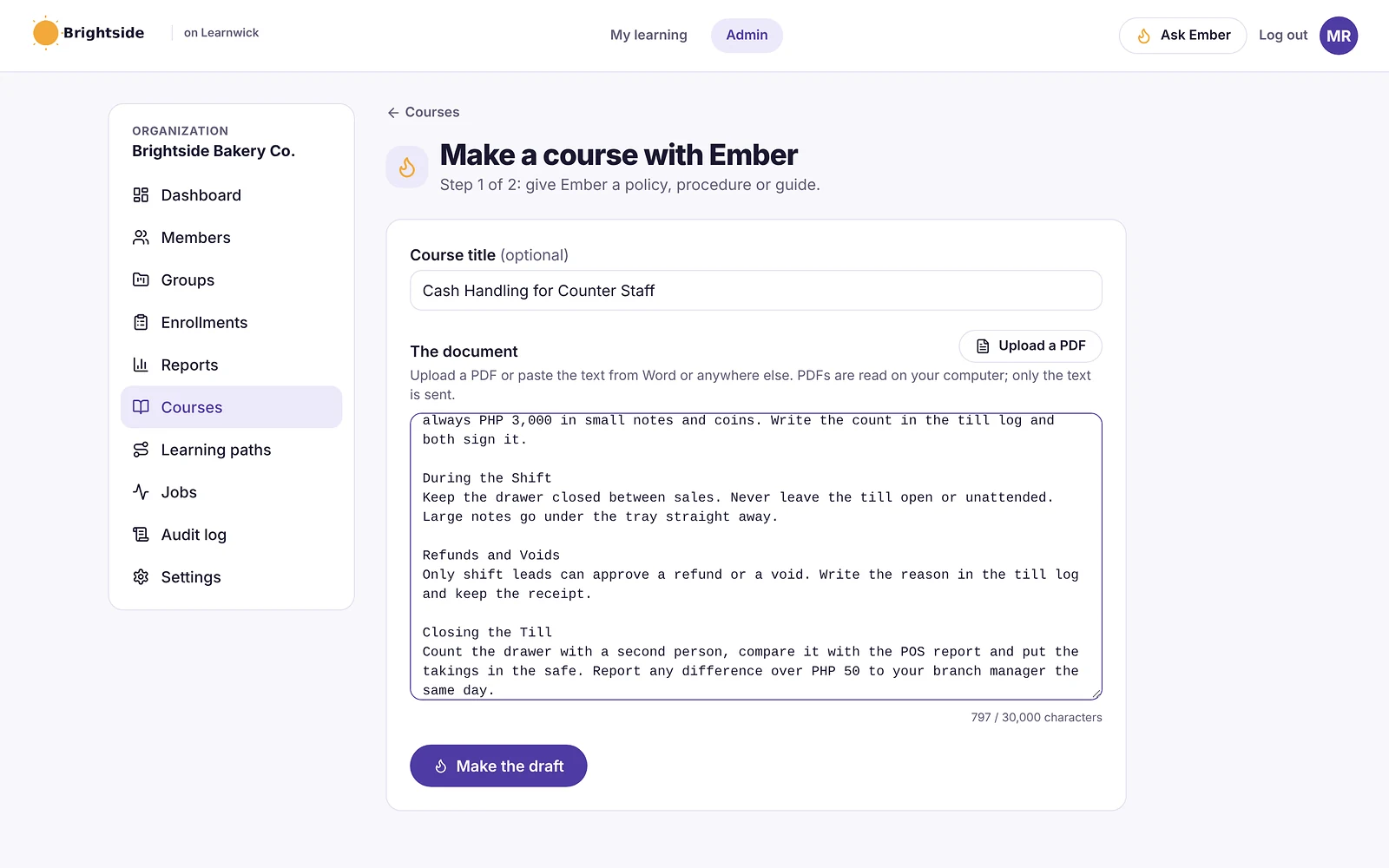
Upload a safety video, a SCORM course or a PDF — or give Ember your safety procedure and it drafts lessons and a quiz for your safety lead to check.
- Site and workplace induction
- Fire safety and emergency procedures
- Manual handling and working at height
- Toolbox talks and hazard reporting
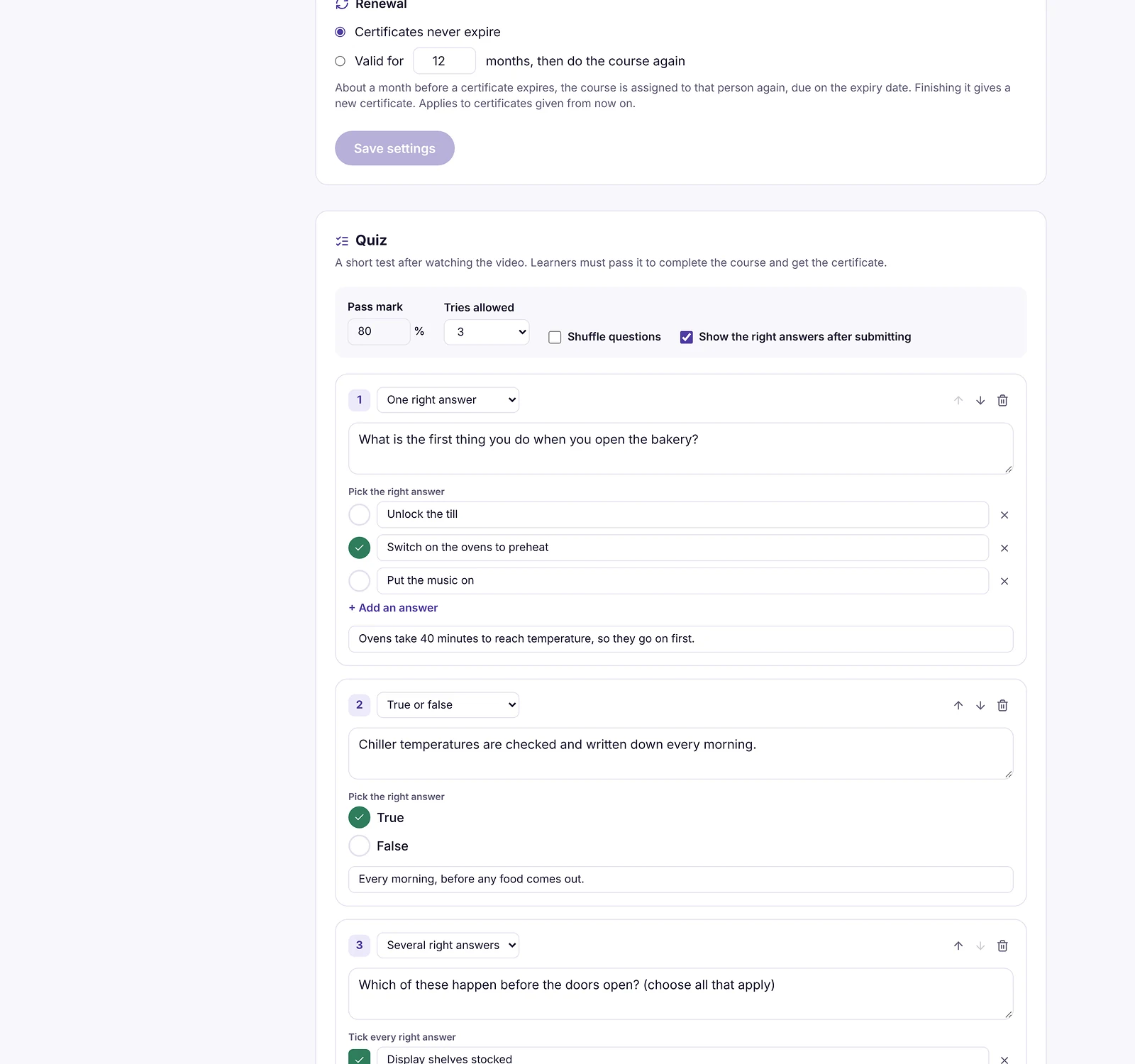
A quiz, not just a tick box
Set a pass mark and a number of tries, so people show they understood the rules. The quiz report shows which questions most people get wrong.
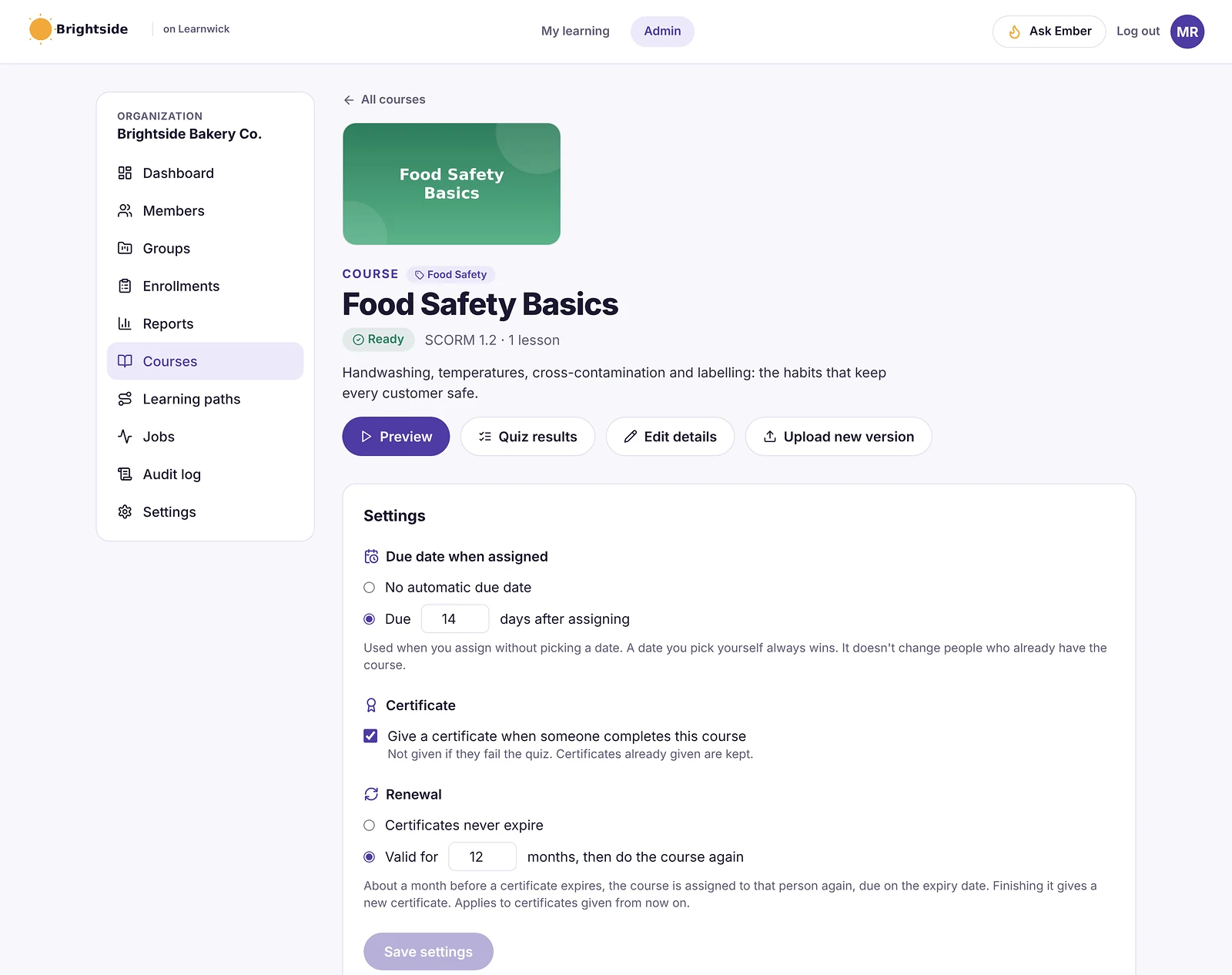
Renewed before it expires
Give a course a renewal period — 12 months, 24 months or whatever you need — and Learnwick assigns it again before the certificate runs out, with reminder emails.
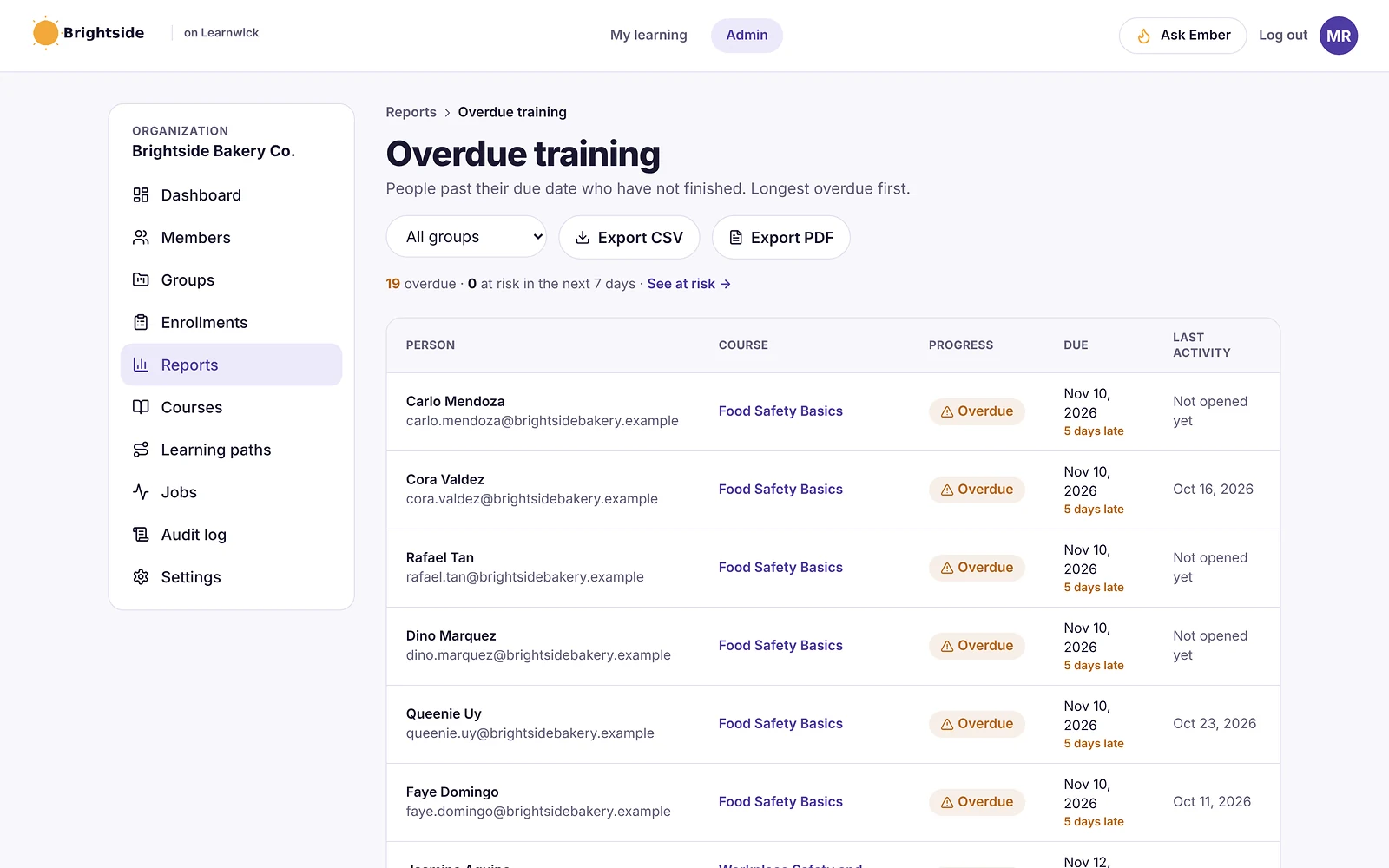
Know who isn’t up to date
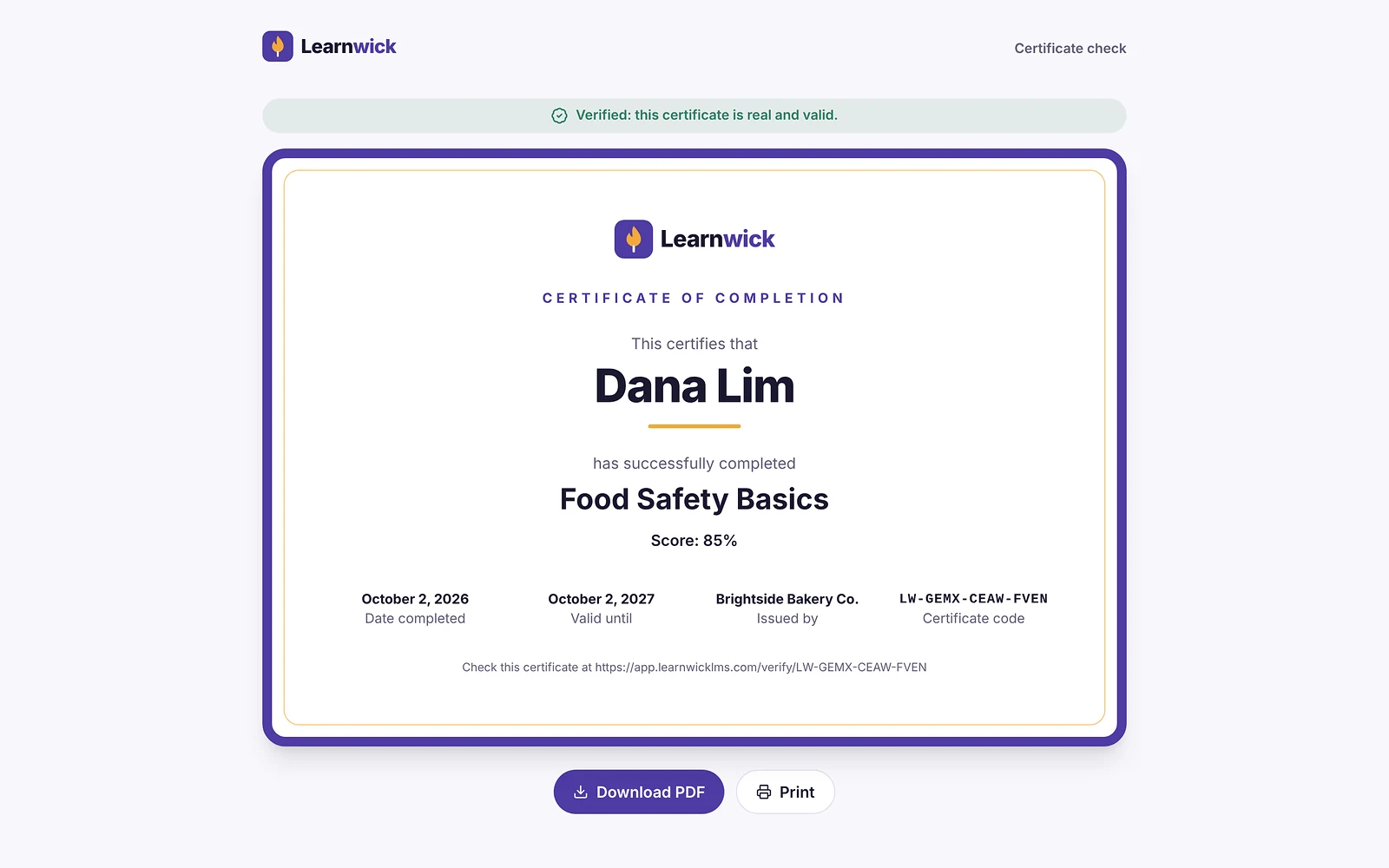
The overdue list shows who is behind, most overdue first, and certificates have a code a client or inspector can check online.
How it works
- 1
Build your courses
From videos, PDFs or your procedures.
- 2
Assign by site or role
With due dates and renewals.
- 3
Check who is safe to work
Overdue list and certificates.
Questions about Safety Training Software
What is safety training software?
Safety training software delivers workplace safety courses to employees, tests their understanding, renews the training on time and keeps a record of who has completed it.
How is this different from compliance training?
Safety training is about hazards at work — inductions, fire, handling, equipment. Compliance training covers policies and rules more widely. Learnwick handles both the same way: courses, due dates, renewals and records.
Does Learnwick replace practical safety training?
No. Use it for the knowledge part and to keep records; hands-on, supervised training still happens on site.
Can workers train on their phones?
Yes. Courses work in any phone browser with no app to install, and progress saves.
Keep exploring
Compliance Training Software for Small Business
Due dates, overdue reports, yearly renewals and audit-ready records.
Training Certificate Software with Online Verification
Automatic PDF certificates with a code anyone can verify online.
Online Quiz Maker for Employee Training
Quizzes with pass marks, tries and explanations, marked automatically.
Give your team training they’ll actually finish
Free for up to 30 learners. No credit card, no sales call. Every feature on every plan.
Rather see it first? Book a demo