LMS Security and Privacy: How Learnwick Protects Your Training Data
Security and privacy
LMS security and privacy, explained plainly
Your training records hold names, emails, scores and certificates, so they deserve care. Here is exactly how Learnwick protects them today: where the data lives, how sign-in is protected, who can see what, and what we don’t offer yet.
Free for up to 30 learners · No credit card · Book a demo
- Hosted on
- AWS, Sydney (Australia)
- Passwords
- bcrypt hashed, guessing limit
- Card payments
- Handled by Paddle
- Certifications
- None yet (no SOC 2 or ISO 27001)
Where your data lives
Learnwick runs on Amazon Web Services in Sydney, Australia, and every connection uses HTTPS. Payments are handled by Paddle, our merchant of record, so Learnwick never sees or stores card numbers. Ember, the AI assistant, runs on Amazon Bedrock and your content is not used to train AI models.
Sign-in protection
Passwords are stored as slow bcrypt hashes, never as text. After 10 wrong passwords in 15 minutes, the account is paused for a while. An email address only counts as proven through a link Learnwick sent to it, and logging out, resetting a password or being switched off signs a person out on every device.
- bcrypt-hashed passwords, at least 8 characters
- Password-guessing limit per account
- Email proof before an account joins more than one workspace
- Log out everywhere
Who can see what
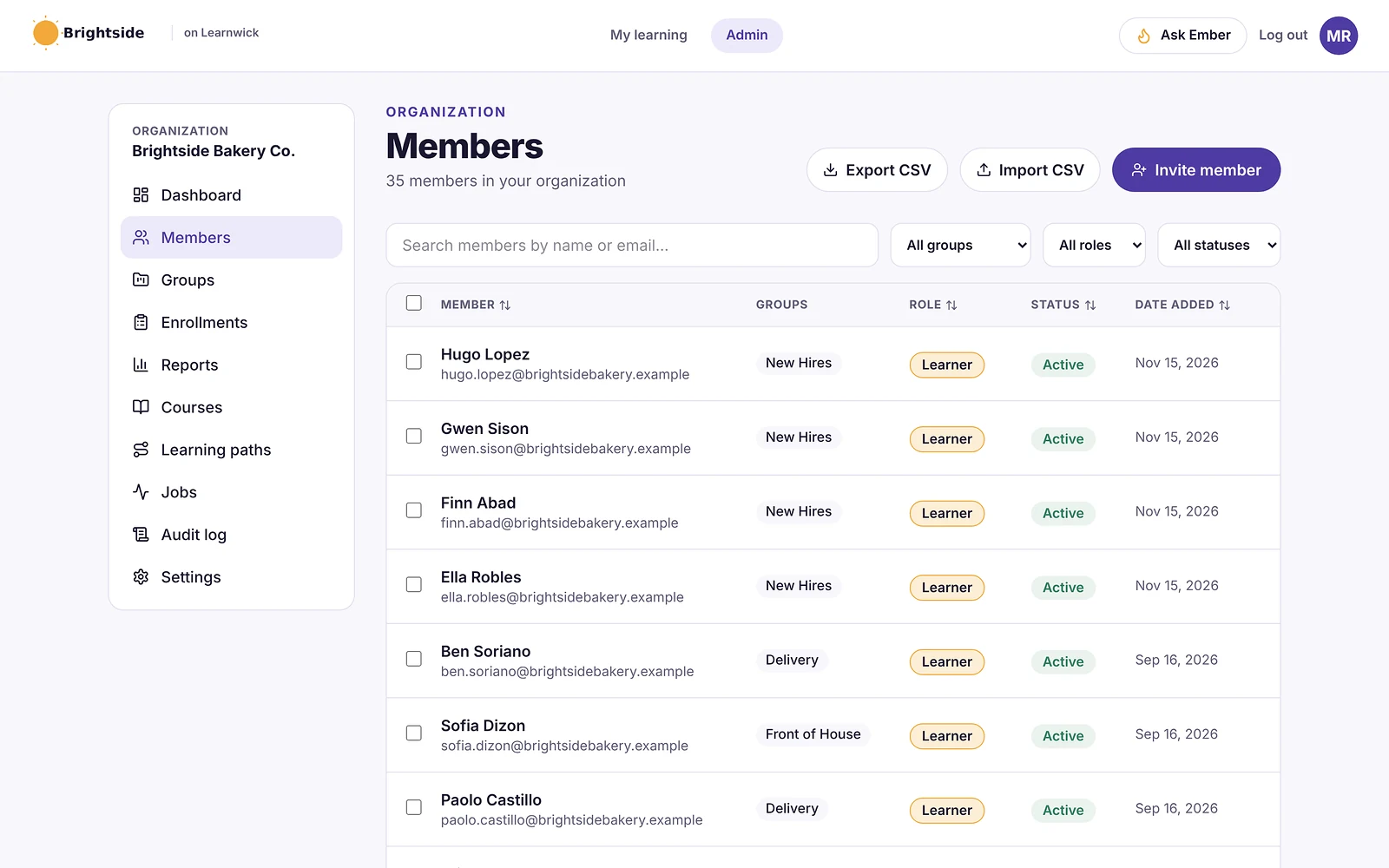
Each workspace is kept apart from every other. Inside it, role-based access decides what people see: learners see their own training, managers see their groups read-only, and only Owners and Admins see the admin area. Only the Owner can make or change Admins.
A record of every change
The audit log lists who changed what and when, including changes made through Ember, which never acts without an admin’s “Yes, do it”. Secrets such as BambooHR API keys are stored encrypted. Quiz answers are marked on the server, so they can’t be read in the browser.
Everything included
Every part of LMS Security and Privacy is on every plan, including the free plan for up to 30 learners.
- HTTPS everywhereEvery connection is encrypted in transit.
- Hashed passwordsbcrypt, never stored as text.
- Guessing limit10 wrong passwords in 15 minutes pauses the account.
- Log out everywhereLogging out ends every device’s session.
- Email proofAddresses proven by a link before wider access.
- Role-based accessLearners, managers and admins see only their part.
- Audit logEvery important change, who made it and when.
- Encrypted secretsIntegration keys stored encrypted.
- Server-marked quizzesAnswers never reach the browser early.
Who uses it
Small businesses
Sensible protection without an IT team.
Philippine companies
Run under the Data Privacy Act of 2012.
Security questionnaires
Plain answers you can paste into a client’s form.
By hand vs with Learnwick
| Task | Spreadsheets and email | With Learnwick |
|---|---|---|
| Where records live | Spreadsheets on laptops and in inboxes | One workspace in AWS Sydney |
| Who can see them | Anyone the file was forwarded to | Role-based access |
| Who changed them | Unknown | The audit log |
| When someone leaves | They may still have the files | Switched off and logged out everywhere |
How it works
- 1
Data in AWS Sydney
HTTPS everywhere.
- 2
Protected sign-in
Hashed passwords and guessing limits.
- 3
Role-based access
Plus an audit log of every change.
What it doesn’t do (yet)
We’d rather you know before you start.
- No SOC 2 report or ISO 27001 certificate yet.
- No GDPR assessment; ask before training people in the EU or UK.
- No formal WCAG accessibility audit yet.
- No SAML single sign-on or two-factor sign-in yet.
Step-by-step guides
From the Learnwick Help Center, with the exact buttons to click.
- Reset a forgotten passwordGet a link to choose a new password, or change your password while you are logged in.
- Add people to your workspaceInvite people one at a time, import a list from a spreadsheet, or share a join link.
- See who changed whatThe Audit log lists every important change in your workspace, with who made it and when.
Questions about LMS Security and Privacy
Is Learnwick SOC 2 compliant?
No. Learnwick doesn’t have a SOC 2 report or ISO 27001 certificate yet. This page describes the protections that are in place today.
Is Learnwick GDPR compliant?
Learnwick is run by Rainmakers Training Services in the Philippines under the Data Privacy Act of 2012, with data stored in AWS Sydney. We haven’t had a GDPR assessment, so if you train people in the EU or UK, email hello@learnwicklms.com first.
Is Learnwick WCAG accessible?
We build to WCAG 2.1 AA practices (keyboard-friendly dialogs, color contrast, page landmarks and large tap targets), but Learnwick hasn’t had a formal accessibility audit yet.
Can we have our data deleted?
Yes. When a workspace is closed, its data is deleted within 30 days of a request to hello@learnwicklms.com.
Is Learnwick secure enough for enterprise use?
Learnwick is built for small and growing businesses. If your company requires SOC 2, SAML single sign-on or two-factor sign-in, it isn’t a fit yet.
Keep exploring
Give your team training they’ll actually finish
Free for up to 30 learners. No credit card, no sales call. Every feature on every plan.
Rather see it first? Book a demo